New Item
Details
Kit Facts
- Difficulty: Level 2 — Maker
- Soldering: Yes — wire connections to the board and display
- Sewing: Light — mounting to the neoprene base with conductive thread
- You'll need: soldering iron, USB-C data cable, small LiPo battery
Choose your board
- ESP32-C3 SuperMini — our tiny black USB-C powerhouse. Exactly as filmed, but it is a black version. Comment in the cart area if you would like me to try to give you a pink one (limited). The video code runs as-is.
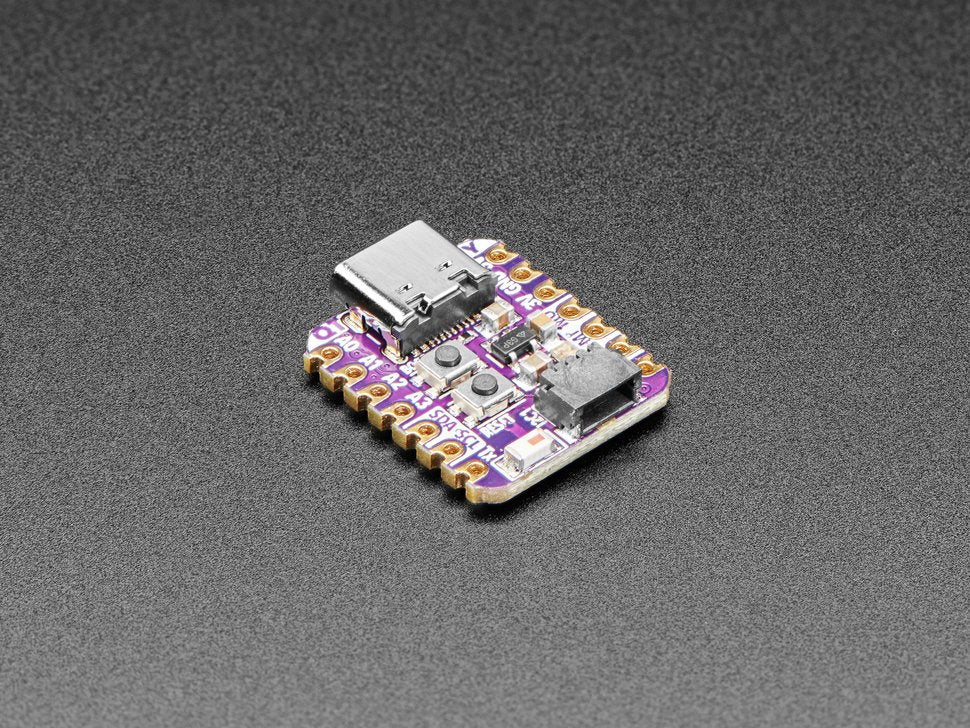
- QT Py ESP32-S2 — the Adafruit board that is small and often used in my video projects. Updated code for the QTPy will be linked in the video description.

What's in the kit
- Your choice of board: ESP32-C3 SuperMini or Adafruit QT Py ESP32-S2
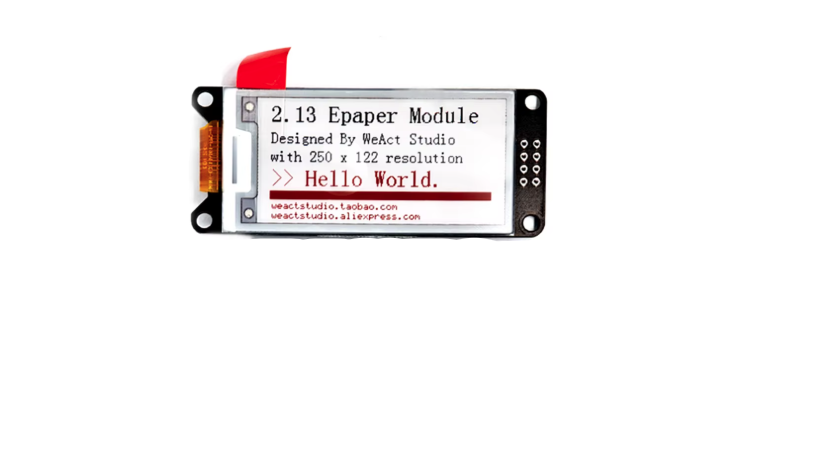
- WeAct 2.13" E-Paper Module (tri colour black / white / red)
- Sewable slide switch
- Soft silicone wire, 24 AWG mixed sampler (1m lengths)
- Electro Loops (ring terminals, 15-pack)
- Lithium battery charging board (USB-C)
- Neoprene base fabric, 30 × 20cm
- Felt piece (optional use - to map out your circuit/prototype and sew items to that first)
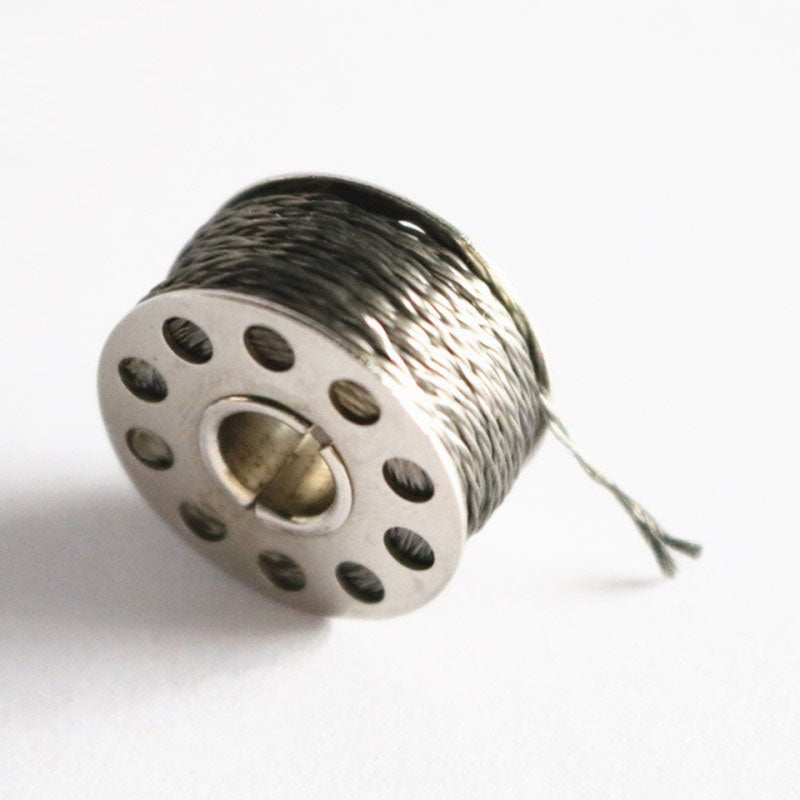
- Stainless steel 2-ply conductive thread, 25m
- Needle & Threader
Good to know
- Neoprene colour may vary: black, grey/silver, teal, or wine — all are equivalent for the build.
- You'll need a USB-C data cable to program your board. Many USB-C cables are charge-only and will not work — if you're not sure, grab our USB-C data cable.
- Power source if charging / updating on the go.
Additional help setting up your ePaper display? Check out this tutorial too: https://youtu.be/Ww5av-e-W50
Note: I did add some lace to the cuff of this project, so it looks a little more like a bracelet. Have fun designing this to suit your style!