


Details
Check out our online version 💜
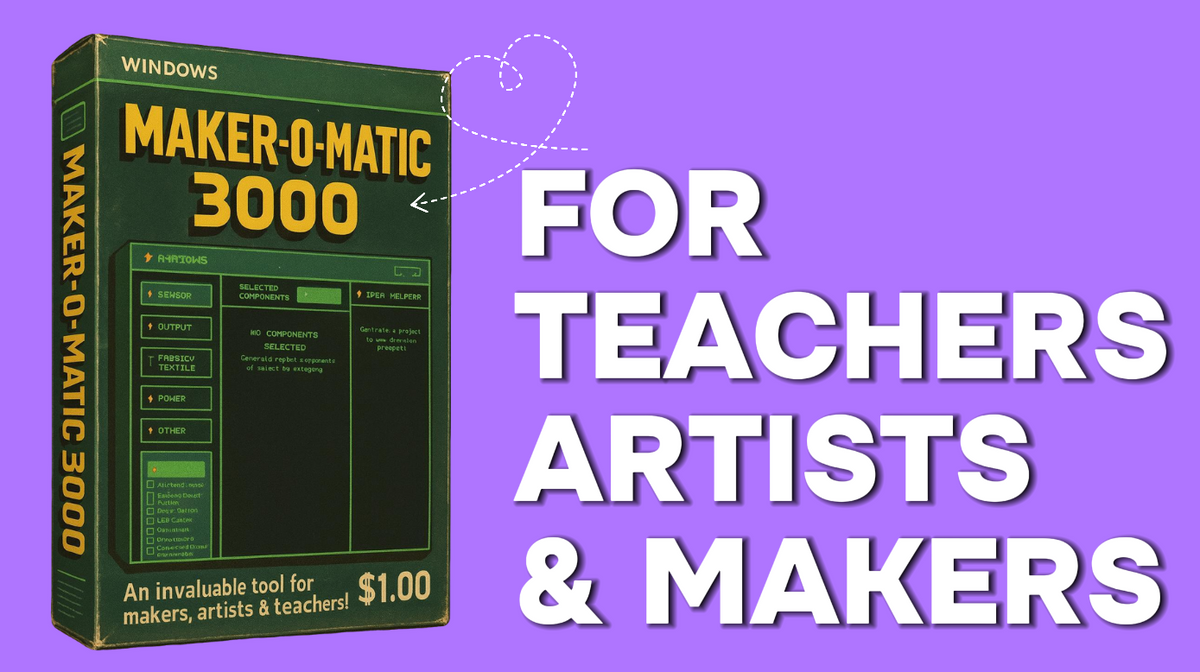
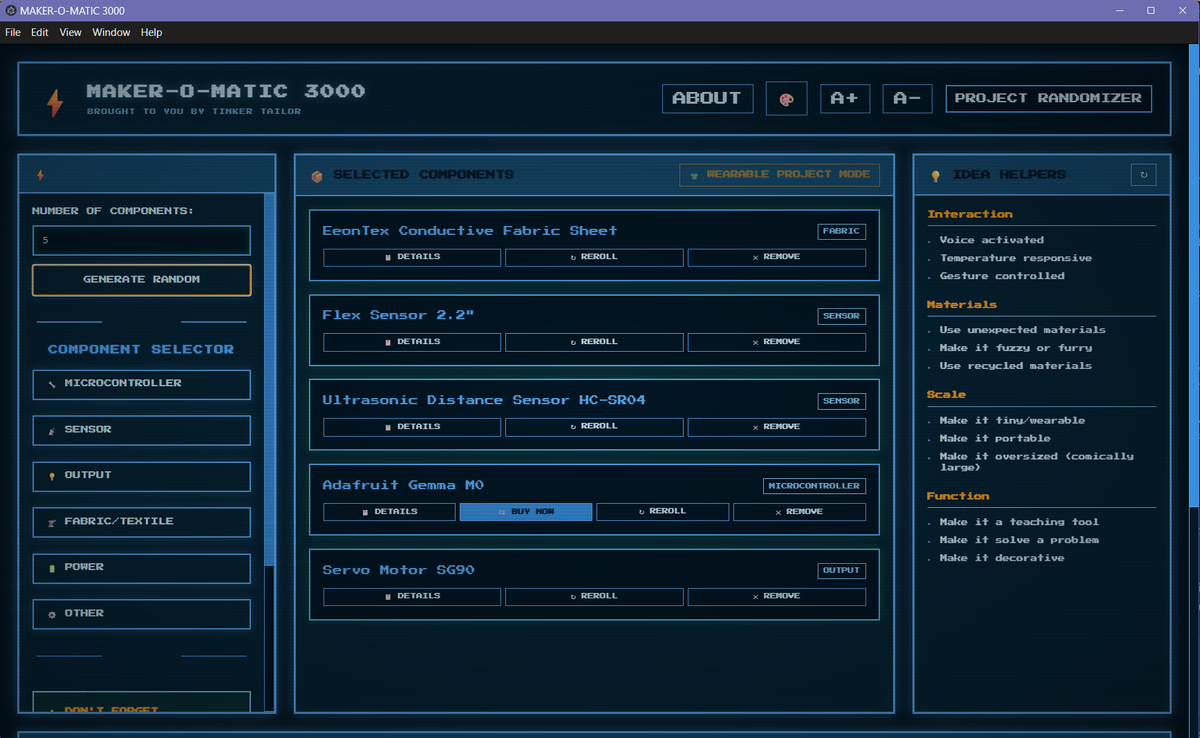
Maker‑o‑matic is a Windows tool that randomly combines components and prompts to generate ready‑to‑use project plans for makers, artists, and teachers, complete with PDF handouts and shopping links.
I love electronic components and making creative projects so much — and sometimes I find myself using the same parts, or stalling on an idea. So I decided to build this program.
I first built a version with Java, hand programming and adding small features here and there. Then I decided that this tool could be so much better and planned out my dream application. Then I recreated the project through code help using a combination of HTML, CSS, JavaScript, and JSON files.
Then once it was remade, I thought there must be other makers, teachers, and creatives who could use this type of application! Hopefully you also see the benefit of this fun little Maker-O-Matic 3000 (the name is goofy I realize!) and enjoy it as much as I do.
Features Deep Dive
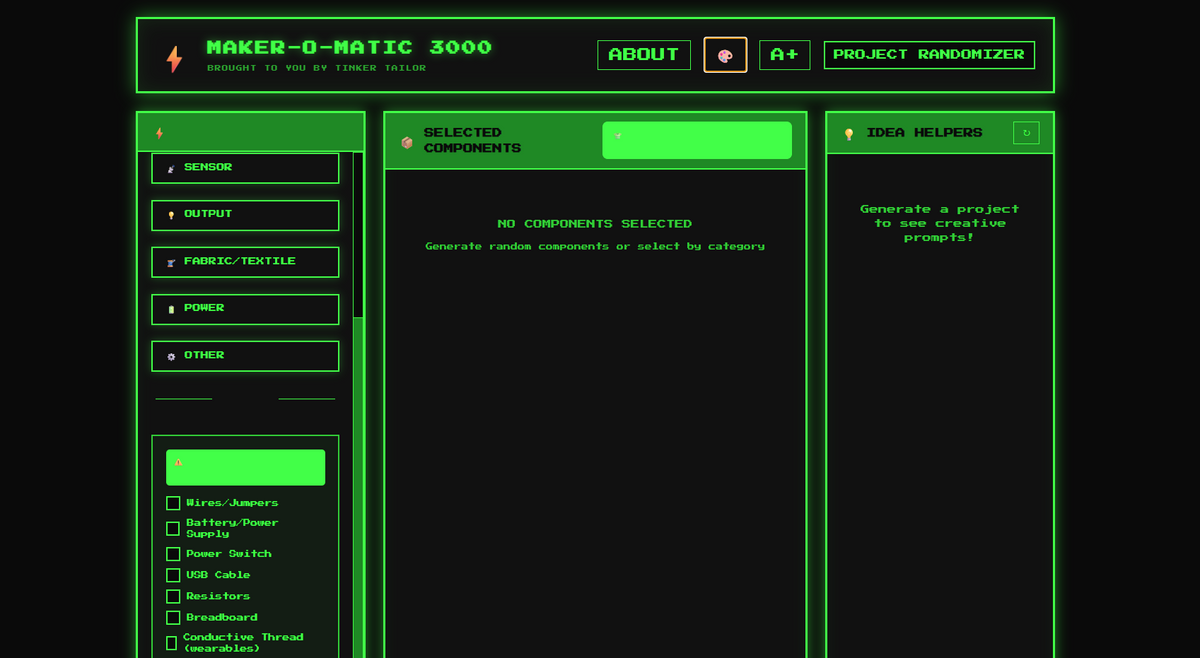
🎨 Theme Switcher
Click the button to cycle through visual styles:
- Retro Terminal: Classic green CRT vibes
- Cyberpunk: Pink & cyan neon energy
- Tinkertailor: White, clean look
Your theme choice is remembered!
💾 Save & Load Projects
- Save: Name your project, add notes, click save
- Load: Browse all saved projects, click to restore
- Use Case: Save favourites, compare variations
📄 PDF Export
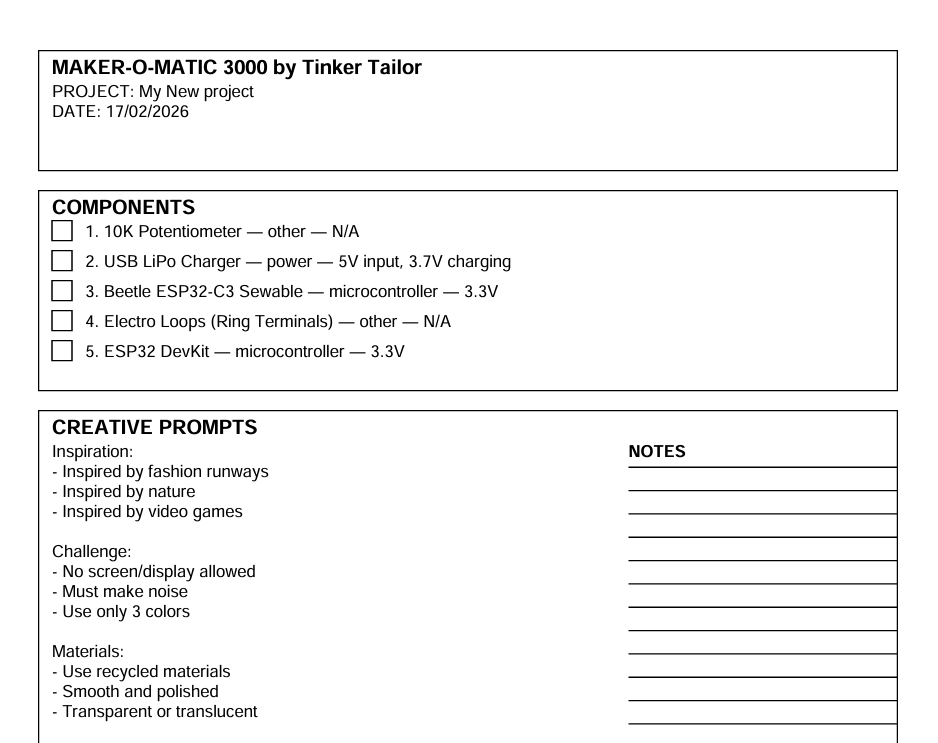
The exported PDF includes:
- ✅ Project title and date
- ✅ Component list with checkboxes
- ✅ Creative prompts (with notes area!)
- ✅ Essentials checklist
- ✅ Your project notes
- ✅ Circuit design grid (graph paper!)
Perfect for workshop handouts, student assignments, documentation, and building checklists.
⚙️ Component Manager
- Add, edit, or delete your own components
For Teachers:
Your students will surprise you. The weird projects will be their favourites. The “impossible” combinations will teach the most. Let them struggle (productively), celebrate their wins, and document their fails. You’re not just teaching electronics — you’re teaching creative confidence.
For Makers:
Trust the randomness. That “stupid” component combination? Build it anyway. That prompt you hate? It might be your best work. Constraints are gifts. Embrace the chaos, document the journey, and share what you make. The world needs more weird, wonderful, creative projects.
For Everyone:
Start today. Generate a project. Sketch one idea. Order one component. Take one step. The hardest part is starting. The most fun part is discovering what you can create when you let go of “perfect” and embrace “possible.”
Additional Value – Detailed Handbook
🌟 Bonus Content Included
Example Projects Include:
- The Emotion Bottle (heart rate + LEDs)
- The Plant Gossip Network (IoT garden monitor)
- The Accessibility Button (assistive tech)
- The Posture Pal (wearable health)
- The Chaos Music Box (outdoor instrument)
Each with: materials cost, build time, skill level, challenges overcome, and lessons learned!
Challenges Include:
- 48-Hour Hackathon
- $10 Budget Challenge
- Component Relay (team challenge)
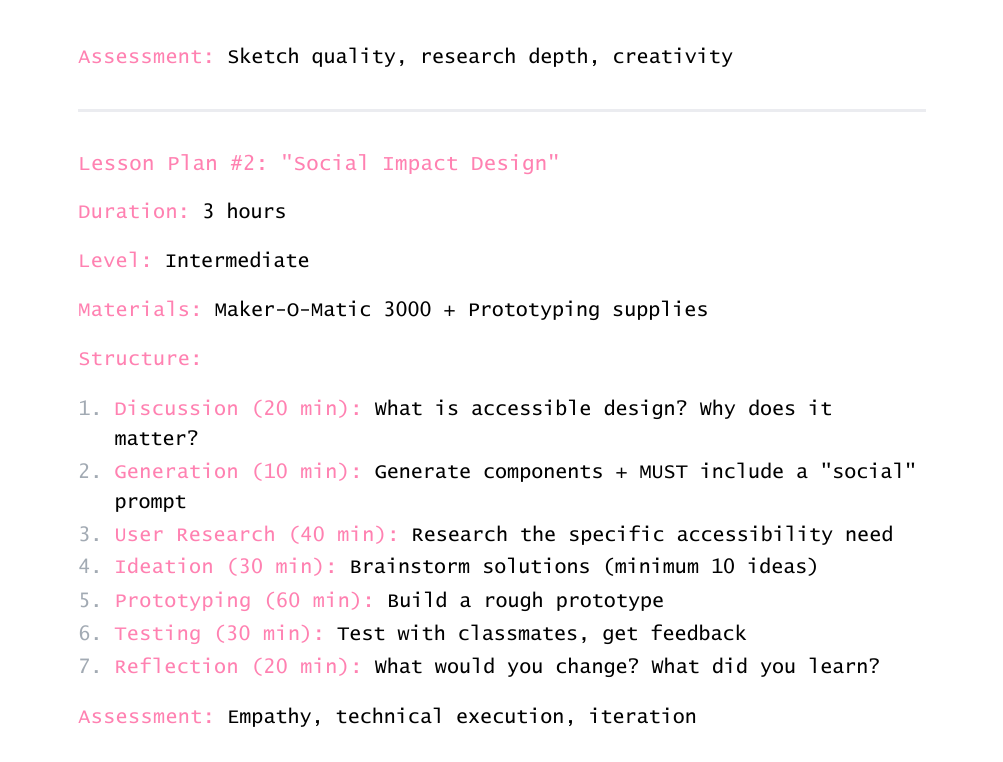
- Mystery Box (class activity)
- Monthly themed challenges
Sections
- For Teachers — Lesson plans, rubrics, strategies
- For Artists — Creative practices, portfolio building
- Challenges — 10+ ready-to-run activities
- Tips & Tricks — Pro strategies
- Troubleshooting — Common creative blocks solved
- Example Projects — 5 detailed real-world builds
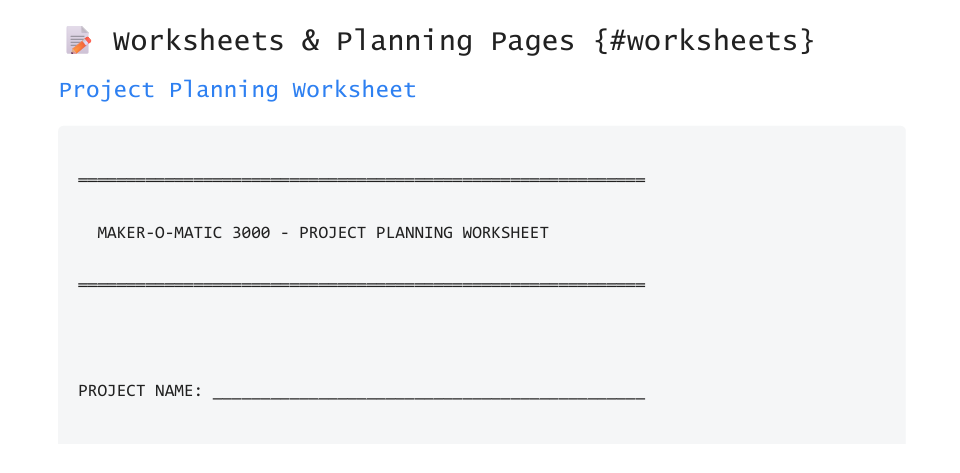
- Worksheets — Printable planning templates
Any ideas for features and improvements? Send them in — no promise they’ll be implemented, but it would be great to improve this as a community.
Notes:
- This is version 1 — there may be errors or things to improve. Send them in and I’ll see what I can do!
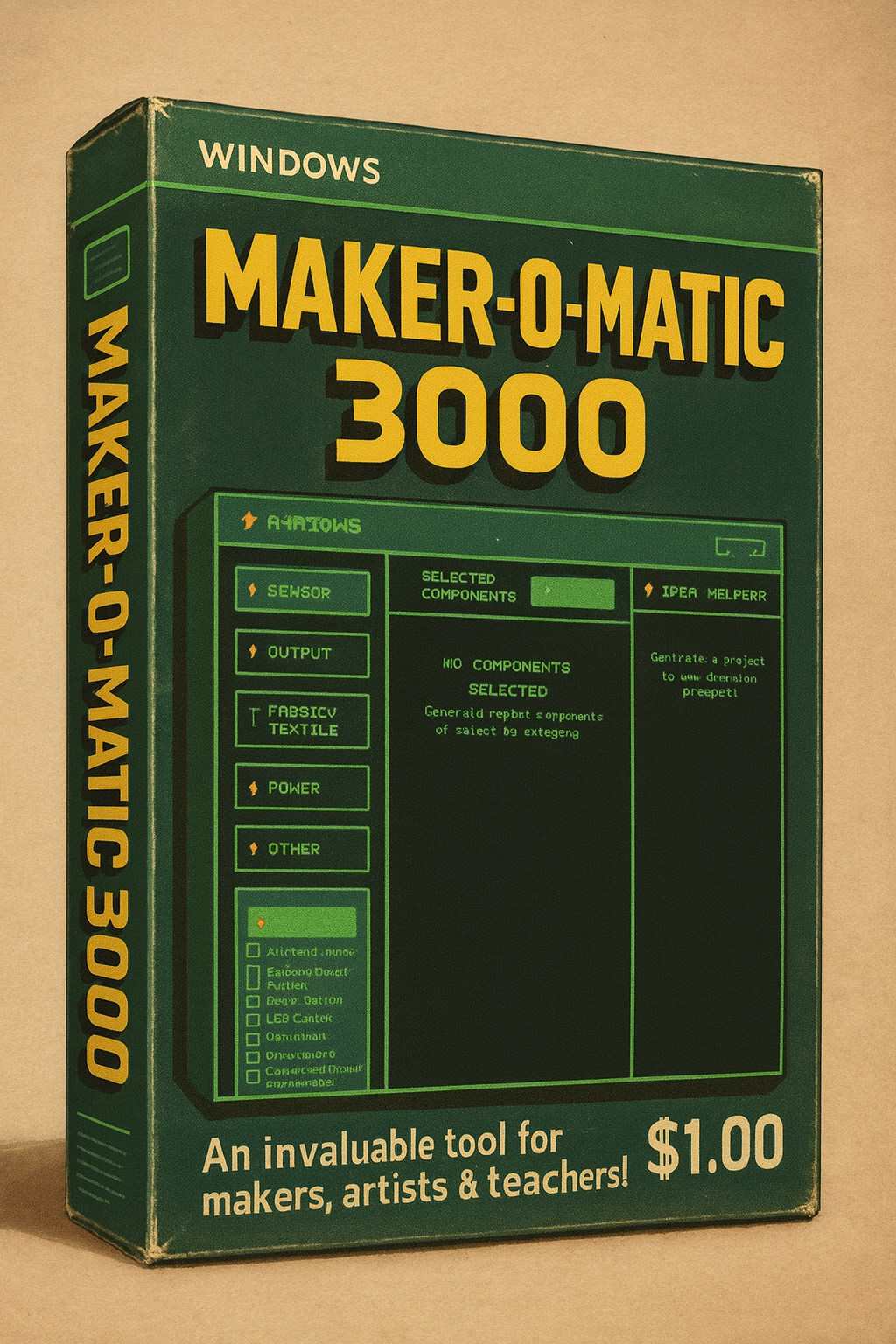
- The box is an image only — this software is a digital download.
- There is a supporting handbook as a PDF file. It includes activities, ideas, and templates for use with your class or workshop.

Features
-

Teachers
Teaching electronics, computer science, or interaction design?
Looking for fresh project ideas for each class or semester?
Trying to push students beyond the "blinking LED" basics?
Wanting to introduce creative constraints in a fun way?
Needing quick, printable project briefs for workshops?
The Maker-O-Matic 3000 is your secret weapon! Generate unique
projects in seconds, export beautiful PDFs for handouts, and watch
your students get excited about unexpected combinations. No more "I
don't know what to build" excuses! -

Artists
Are you:
Stuck in a creative rut, building the same projects over and over?
Looking for inspiration that pushes you in new directions?
Wanting to explore components you've never used before?
Ready to embrace happy accidents and unexpected solutions?
Building a portfolio of diverse, creative work?
This tool is your creative sparring partner! Let randomization break
you out of your comfort zone. Some of the best projects come from
unlikely combinations and "impossible" constraints. -

Makers
Are you:
Running maker workshops or hackathons?
Managing a makerspace with varied skill levels?
Looking for quick icebreaker activities?
Wanting to showcase what's possible with your inventory?
Teaching wearable tech or e-textiles?
Randomize with confidence! Use the component sync feature to match
your actual inventory, export project sheets for participants, and
create challenges that work for beginners and experts alike.


